
CIVIE PACS & Viewer
Every image,
a clearer picture.
CIVIE Prism is the viewer in CIVIE PACS, our picture archiving and communication system. Open a study from the Universal Worklist with every prior in view, the insights from the patient's chart beside it, and ASR Reporting ready, all in the browser.
One read, start to signed
The whole read,in one workspace.
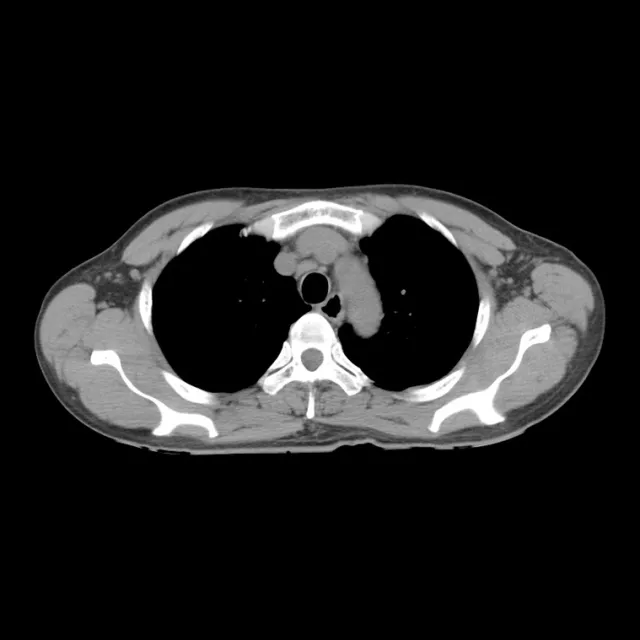
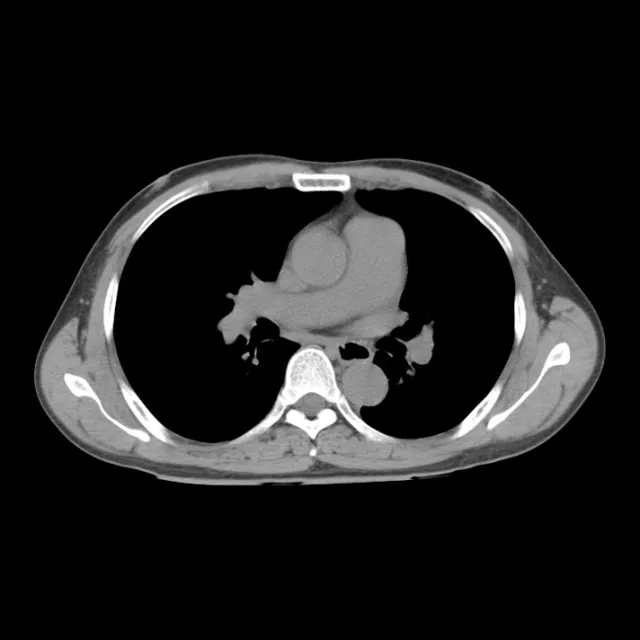
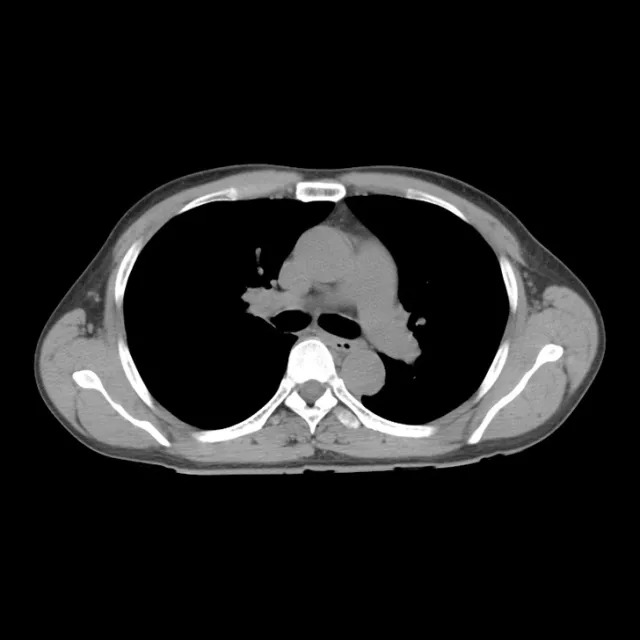
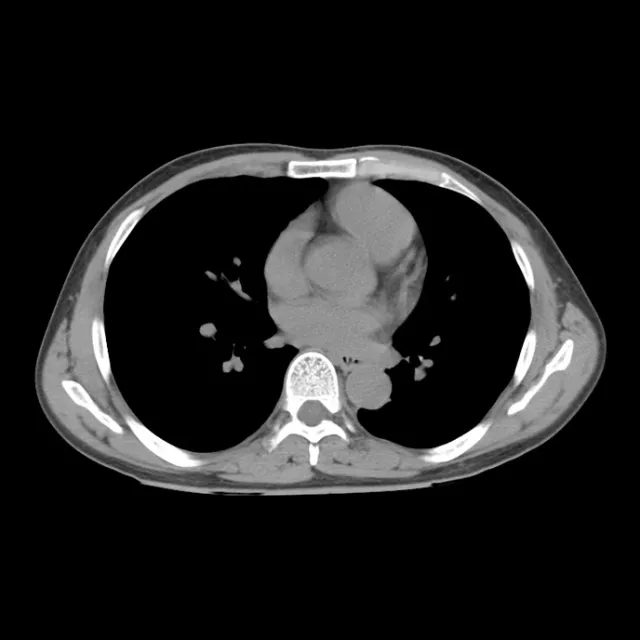
- A follow-up CT opensIn from Northside Imaging at 09:41, opened from Universal Worklist.
- It opens with the prior loaded03/2025 from Lakeview, beside today’s study.
- Both studies scroll togetherLink scroll to the same anatomy, image by image.
- The nodule is compared6 mm in the right lower lobe, stable against 03/14/2025 10:22.
- Findings are dictatedInto the CT Chest template, beside the images.
- The impression is generatedAutomatically, from the findings, for the radiologist to accept or edit.
- Signed and sentTo Dr. Patel, who ordered it.
Illustrative screen · licensed CT images · fictional patient
Priors
Every prior is here.From day one.
Years of history are loaded during implementation, so comparisons work from the first read. When a study opens, CIVIE AI lists only the priors relevant to the order and summarizes what each one found, so radiologists don't click through unrelated studies.
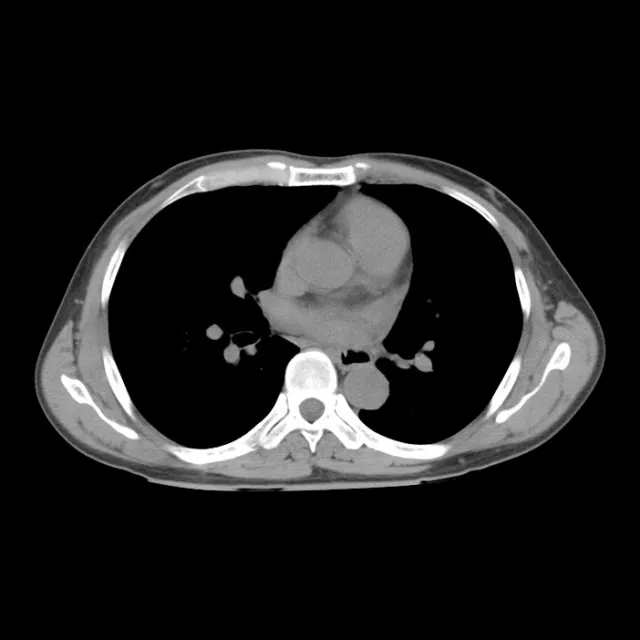 Today 09:41CT Chest w/o contrastRoutine · Northside Imaging
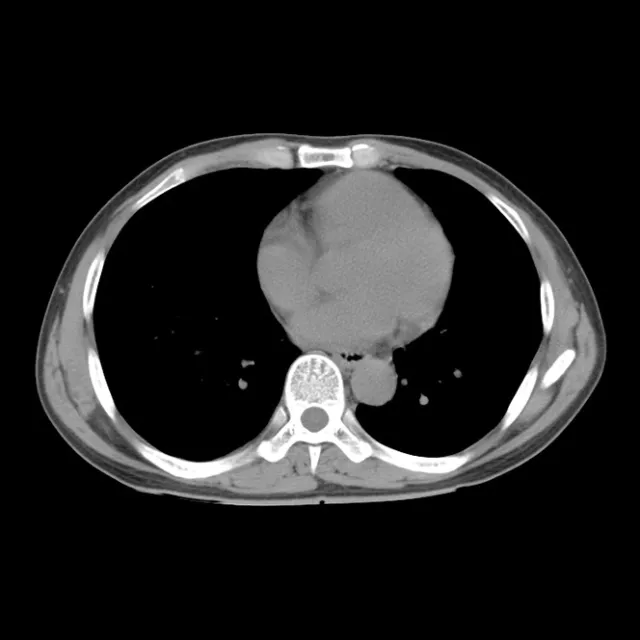
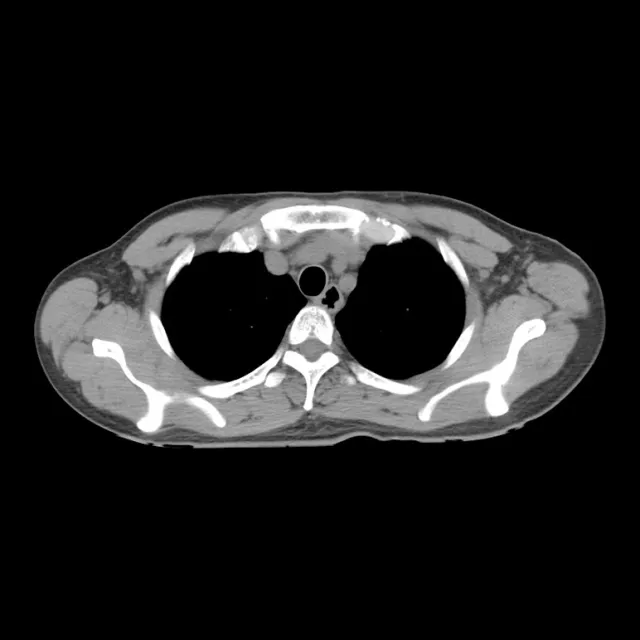
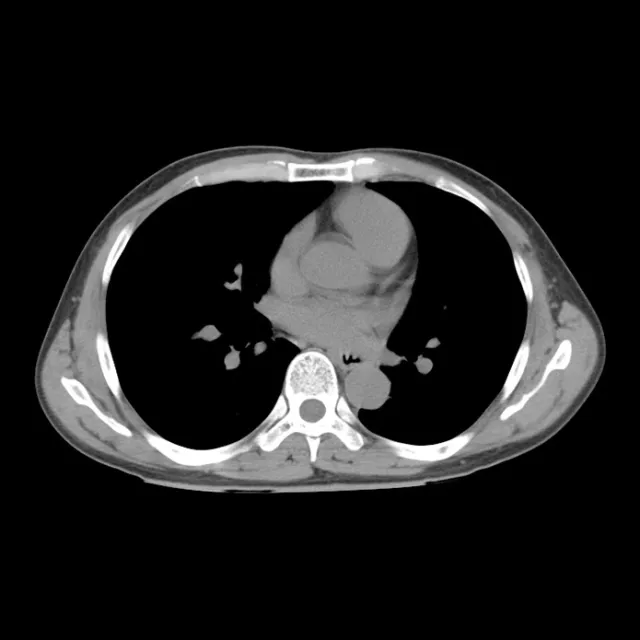
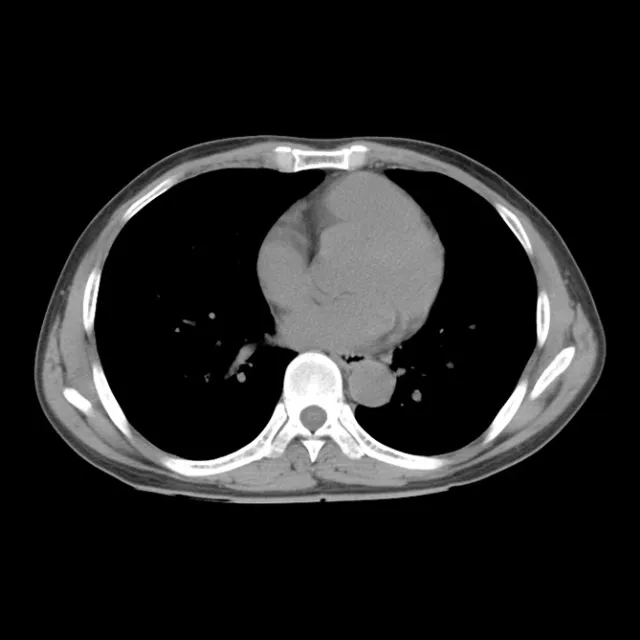
Illustrative screen in CIVIE Prism’s layout · licensed CT images · fictional patient
Hanging protocols
The layout is readybefore you are.
Hanging protocols lay out each exam the way your radiologists read it: today beside the prior for a chest CT, fusion and reconstructions for a PET/CT. Step through them from the toolbar.
Also in the viewer: MPR, MIP, PET/CT fusion with SUV readouts, linked scrolling and the familiar DICOM tools.
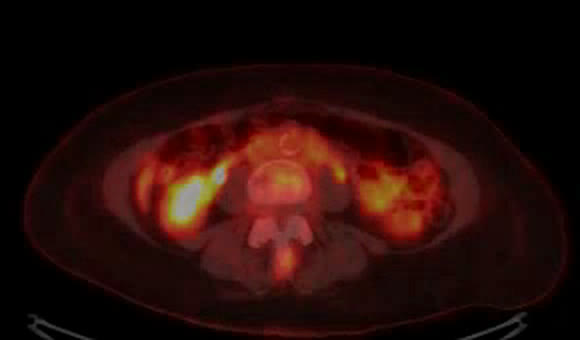
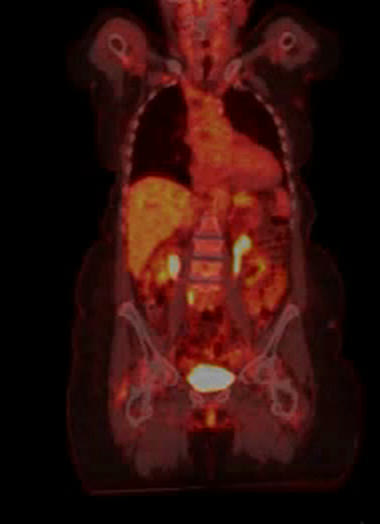
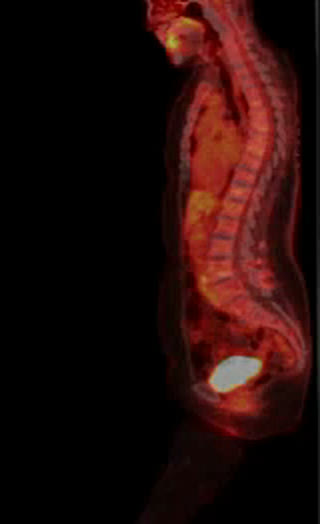
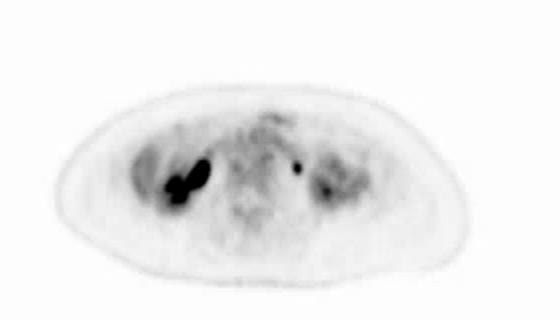
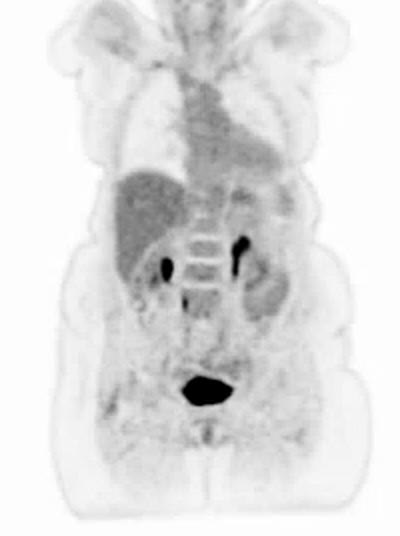
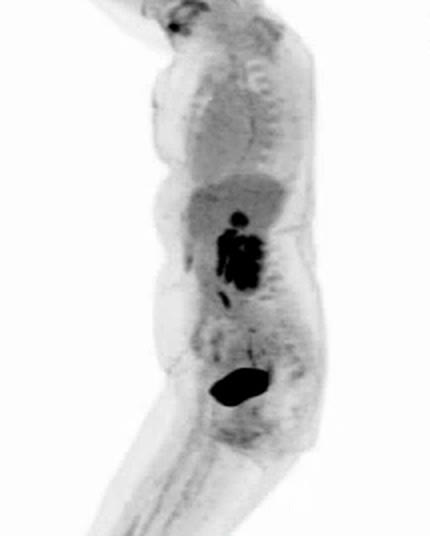
Illustrative screen · CT: licensed images · PET/CT: cropped from a CIVIE recording of a demonstration study
EMR Integration
Insights from the chart,without reading the chart.
CIVIE AI pulls what matters for this study out of the patient's chart and puts it beside the images, so the radiologist doesn't search pages of notes to learn why the patient is here. Open a source to see where each insight came from.
CT Chest w/o contrastDiaz, M · 55 FDr. Anita Patel · Northside Imaging
IndicationCough for three weeks. Follow-up of known nodule.
CIVIE AI · from the chart, for this study
- Former smoker, 30 pack-yearsProblem list
- Short of breath on exertionVisit note 09/14
- RLL nodule, followed since 08/2023Problem list
- Mild COPDProblem list
- SpO₂ 95% on room airVitals 09/14
Available active problems and diagnoses from the connected EMR, opened beside the study.
Northside EHR · problem list
- Pulmonary nodule, right lower lobe
- Since 08/2023
- Former smoker, 30 pack-years
- Quit 2019
- COPD, mild
- Active
- Hypertension
- Active
Recent vitals that don’t arrive on the order, shown beside the study.
North Texas Primary Care · visit 09/14
- Temperature
- 36.9 °C
- SpO₂ on room air
- 95%
- Heart rate
- 82 bpm
- Blood pressure
- 132/84
Available lab results for the patient, alongside the images and the report.
North Texas Primary Care · lab 09/14
- WBC
- 7.8 ×10⁹/L
- CRP
- 4 mg/L
- Creatinine
- 0.8 mg/dL
- eGFR
- 88 mL/min
The patient’s imaging history in the viewer, ready to hang beside the current study.
CIVIE PACS · back-loaded history
- CT Chest w/o contrastLakeview Hospital
- 03/2025
- CT Chest w/o contrastLakeshore Imaging
- 08/2023
- CT Chest w/o contrastNorthside Imaging
- 05/2021
Illustrative chart values for a fictional patient. What the EMR shares depends on the connection to your health system.
With ASR Reporting & Dictation
Only dictate what matters.The draft keeps up.
Pair CIVIE PACS with ASR: the report opens in the exam’s template beside the images, findings you dictate become a structured draft, and deficiency checks run before you sign.
Illustrative screen in ASR’s layout · fictional patient
Read anywhere
Reading room, home officeor a phone.
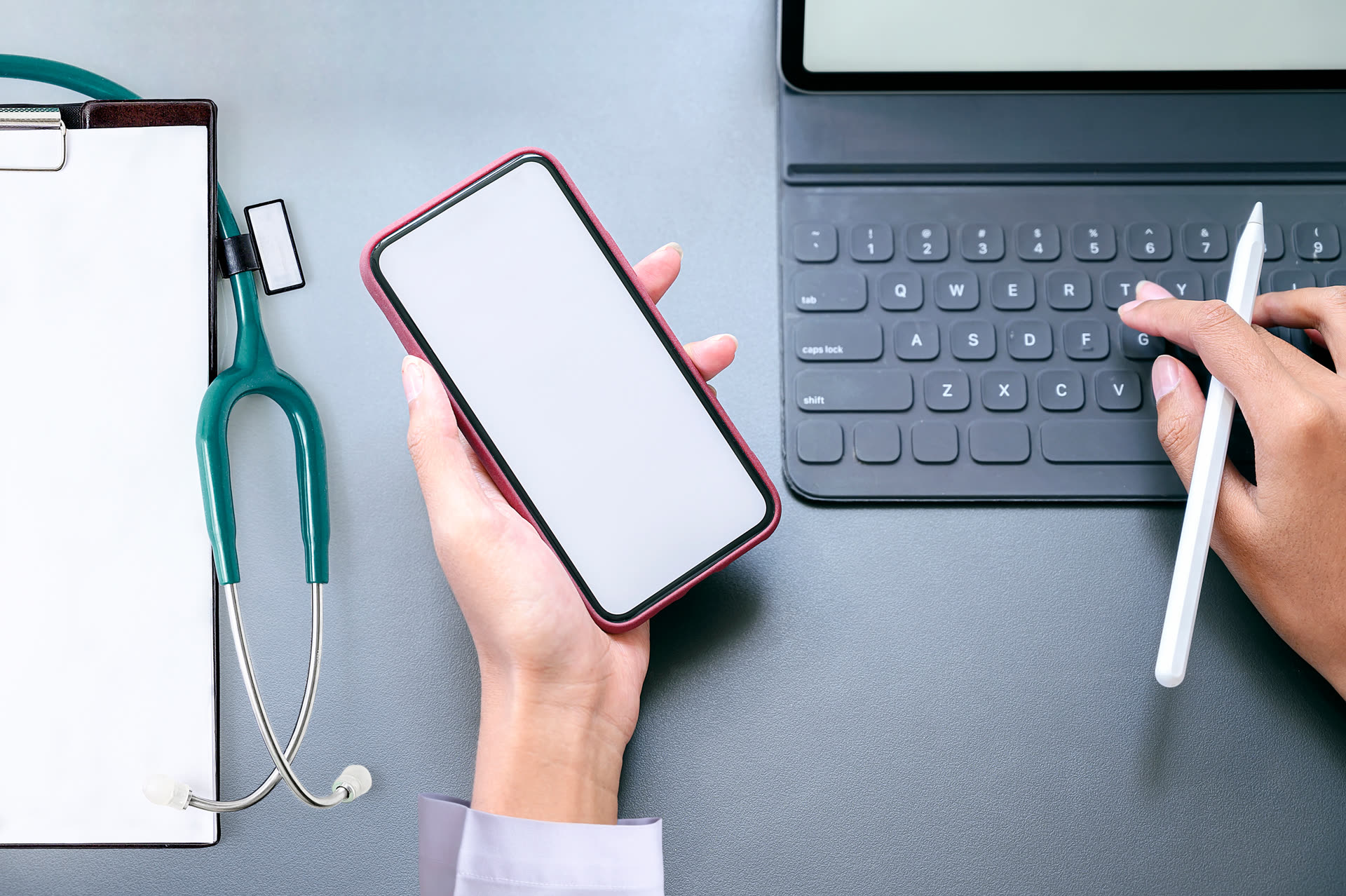
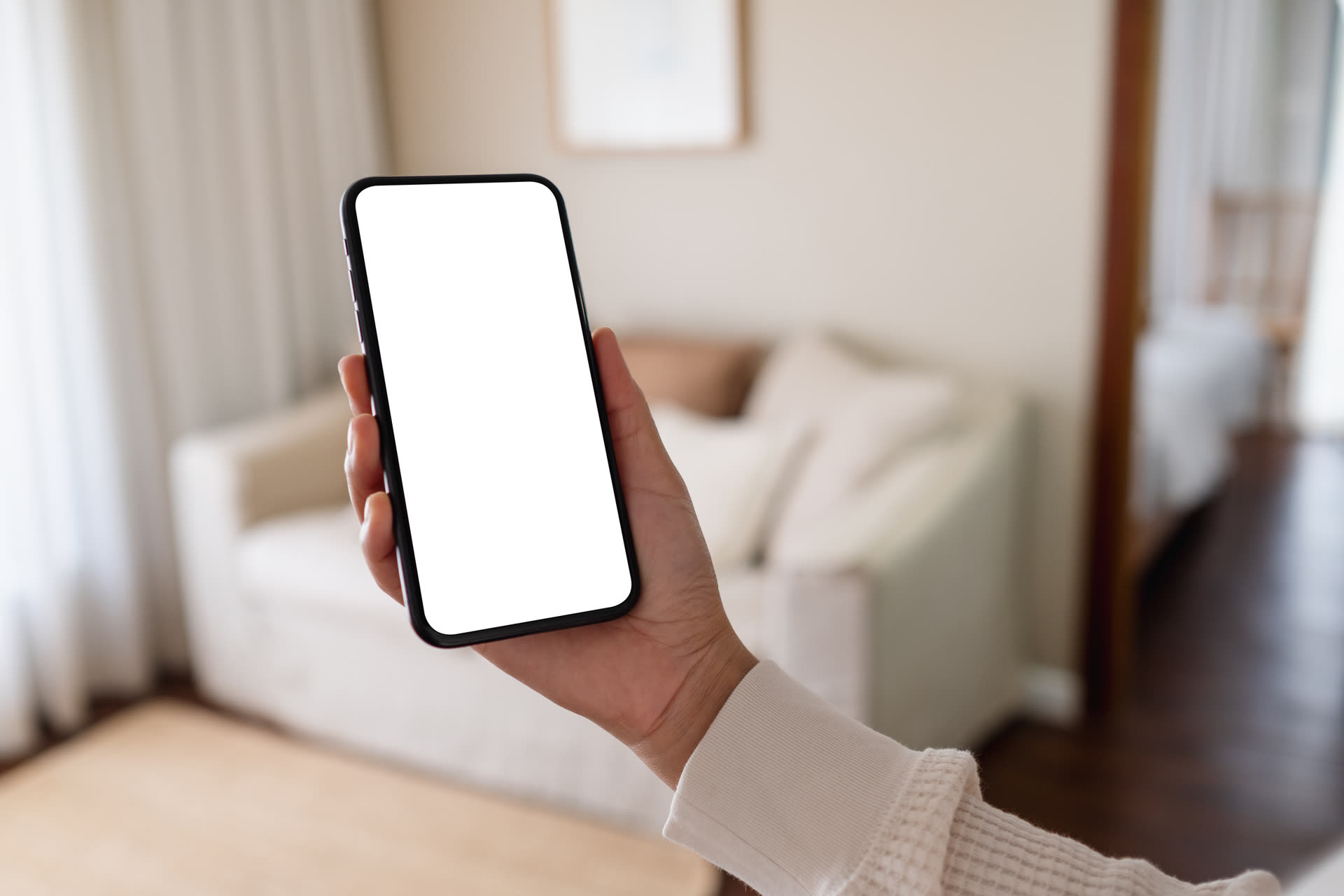
The viewer runs in the browser, so there is nothing to install on a reading workstation. Radiologists and technologists have a mobile app, and patients get their images by secure link.
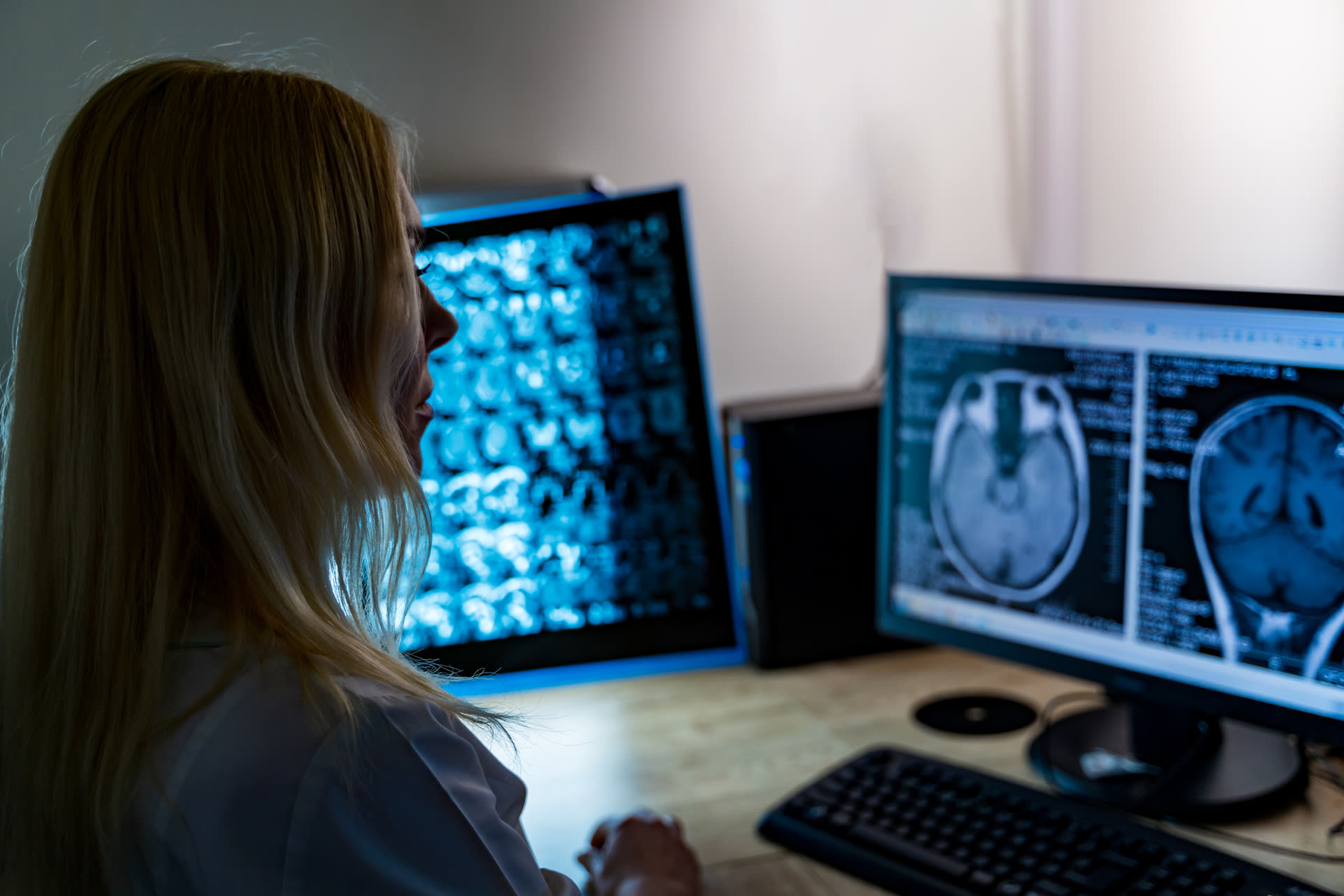

Licensed photo · illustrative screen
How it connects
Native where it matters.
Open everywhere else.
On the CIVIE platform, PACS shares one record with RIS, reporting and billing. Next to the systems you keep, it speaks DICOM, HL7 and FHIR.
- Native: part of the CIVIE platform, sharing one record
- Open standards: connects to systems from any vendor
Whole platform: CIVIE PACS exchanges data both ways with Modalities (DICOM), CIVIE RIS (Same order), CIVIE ASR (Same study), CIVIE RCM (Coded from report), EHR (HL7 · FHIR), AI services (Clinical context).
Trust
Protected onevery study.
The security facts the CIVIE Trust Center publishes for PACS.
FAQ
PACS questions,
answered.
No. CIVIE Prism runs in a web browser, on the cloud-native PACS. We confirm the supported workstation and monitor setup for your reading environment during the demo.
Next steps
Open the study.
Priors already loaded.
Bring a few of your own studies and the priors you compare them with. We’ll show you CIVIE PACS reading them in the browser, with ASR beside it.